PlayIRL.ggBetaPlayIRL.GG (beta)
An independent, alternative way to find and schedule MTG events near you.
An independent, alternative way to find and schedule MTG events near you.
Life totals for 1–8 players — Commander, Standard, Two-Headed Giant and more. It keeps score the moment you open it, so read as little of this as you like.
Open it and press Start Game. Everything else on this page is optional.
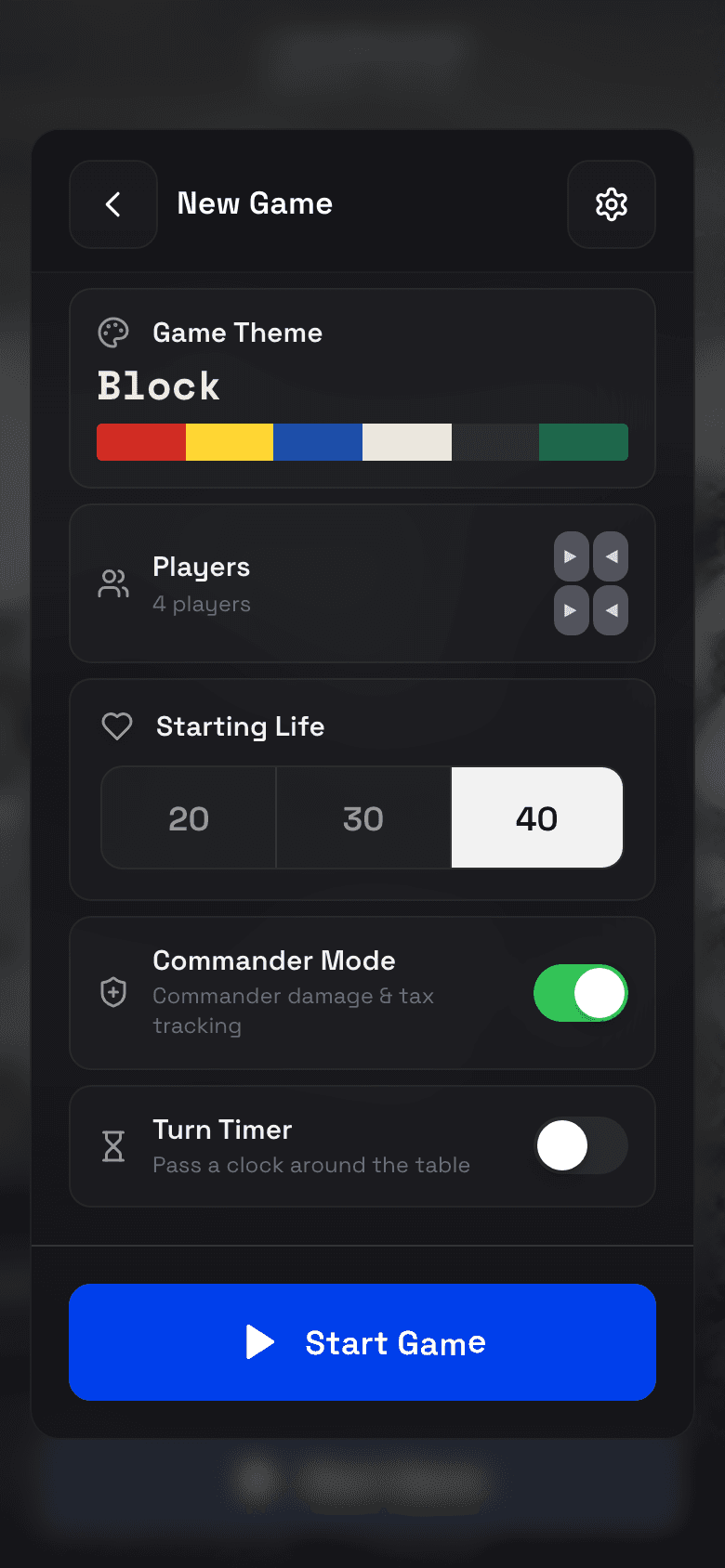
Formats Commander / EDH, Standard / Modern, Two-Headed Giant, or Custom. The format sets starting life and whether commander damage is tracked.
One to eight players The board picks a seating layout to match — facing pairs for two, a ring for four, and so on — and you can change the layout yourself.
Starting life 20, 30 or 40 with one tap, or any number you like.
Player names Optional. With them on you can name the seats before you start, and the app remembers names you have used before.
Pregame start menu The sheet above. Turn it off and Start Game drops you straight onto the board with your last settings.
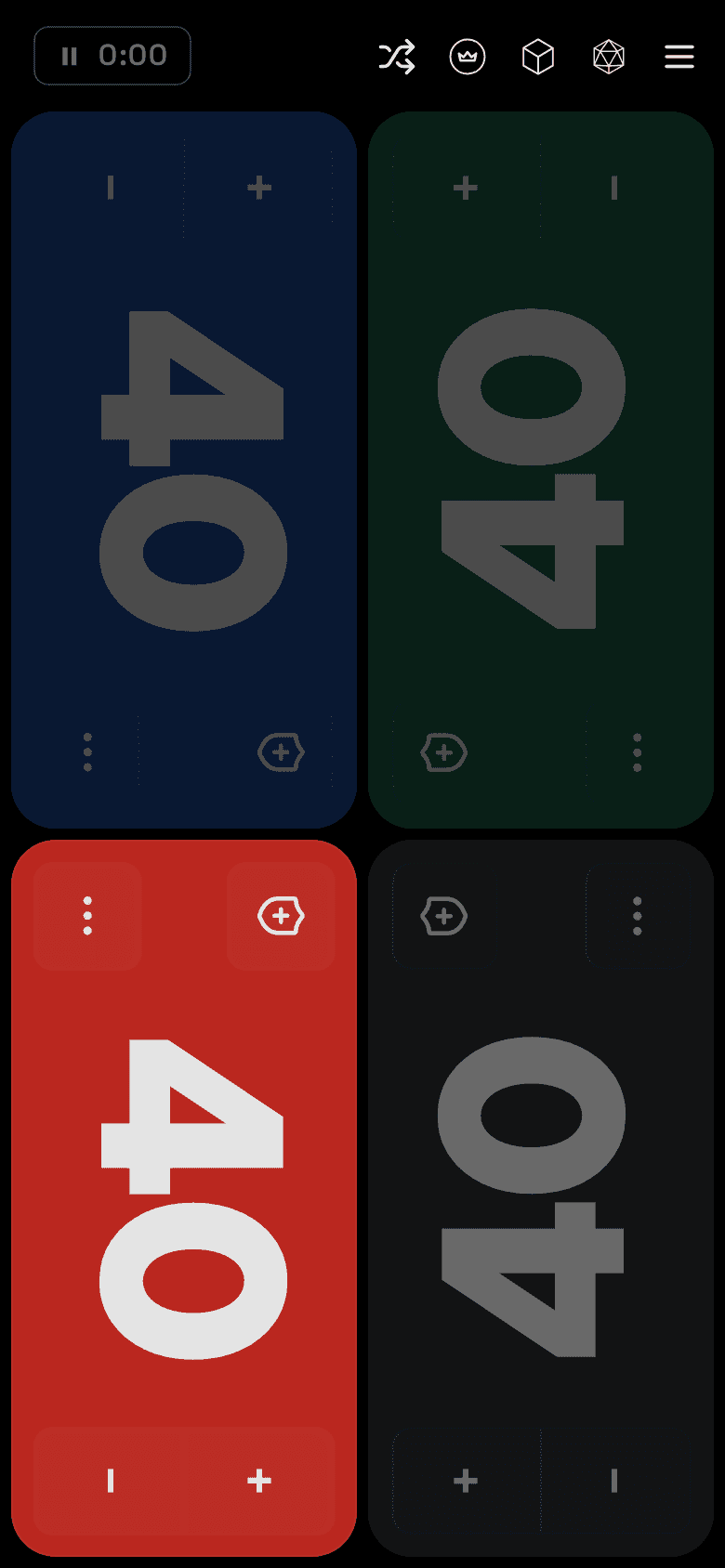
Tap to change life Top half of a tile adds, bottom half subtracts.
Hold to keep counting Hold + or − and the total keeps moving — faster than tapping out a big swing.
+/− buttons Optional side buttons on each tile, for tables who would rather press a button than a half of a card. Off by default for two players.
Rename a player Press and hold a name to change it.
Life history Every change is recorded, with a chart of the whole game and a list you can read back.
Roll back Put the board back to any moment in the game — the fix for a tap nobody meant.
Elimination A seat at zero is marked out. Play on if you want to; the app asks rather than assumes.
On by default in Commander games, and available in any format.
Commander damage Open a player's tile to track commander damage from every opponent. Twenty-one from one commander eliminates them, and the app watches for it.
Partners A seat can track two commanders, with damage counted separately for each.
Counters Poison, experience and commander tax live in the same place.
Both are optional and off until you want them.
Game timer Elapsed time in the menu bar. Pausing the game pauses it, and so does anything that covers the board.
Turn timer A chess clock passed round the table — tap a player's badge to pass the turn to them.
Time per player How long each seat has taken, and how many turns the table has played.
Skip eliminated The clock passes over players who are out, so the turn keeps moving.
Highlight player The seat holding the clock is marked, so nobody has to ask whose turn it is.
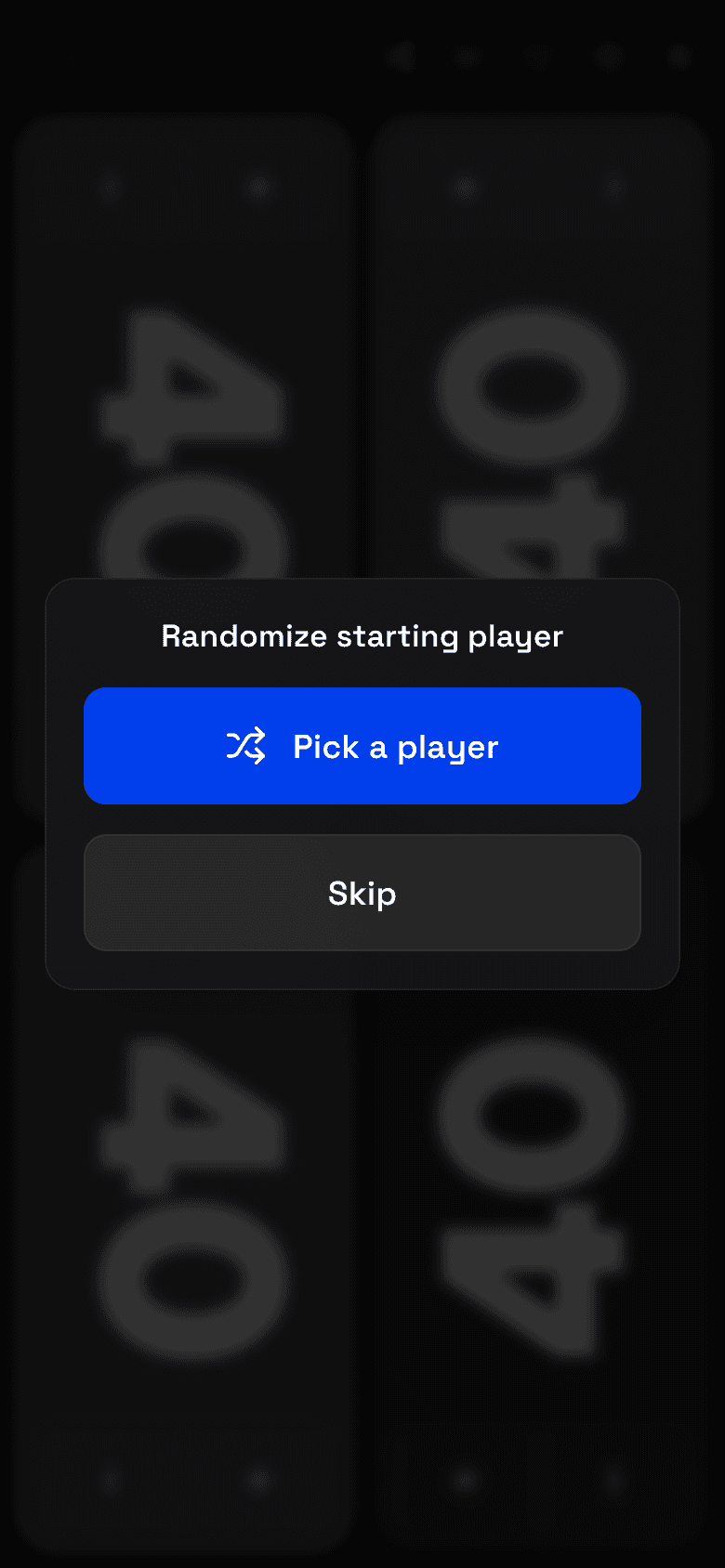
Pick a player Chooses a seat at random — who goes first, who deals.
Flip a coin Heads or tails, with the flip.
Roll a die A d6 or a d20, for everything a coin cannot settle.
Random starting player Have the app pick the first player automatically whenever a game begins.
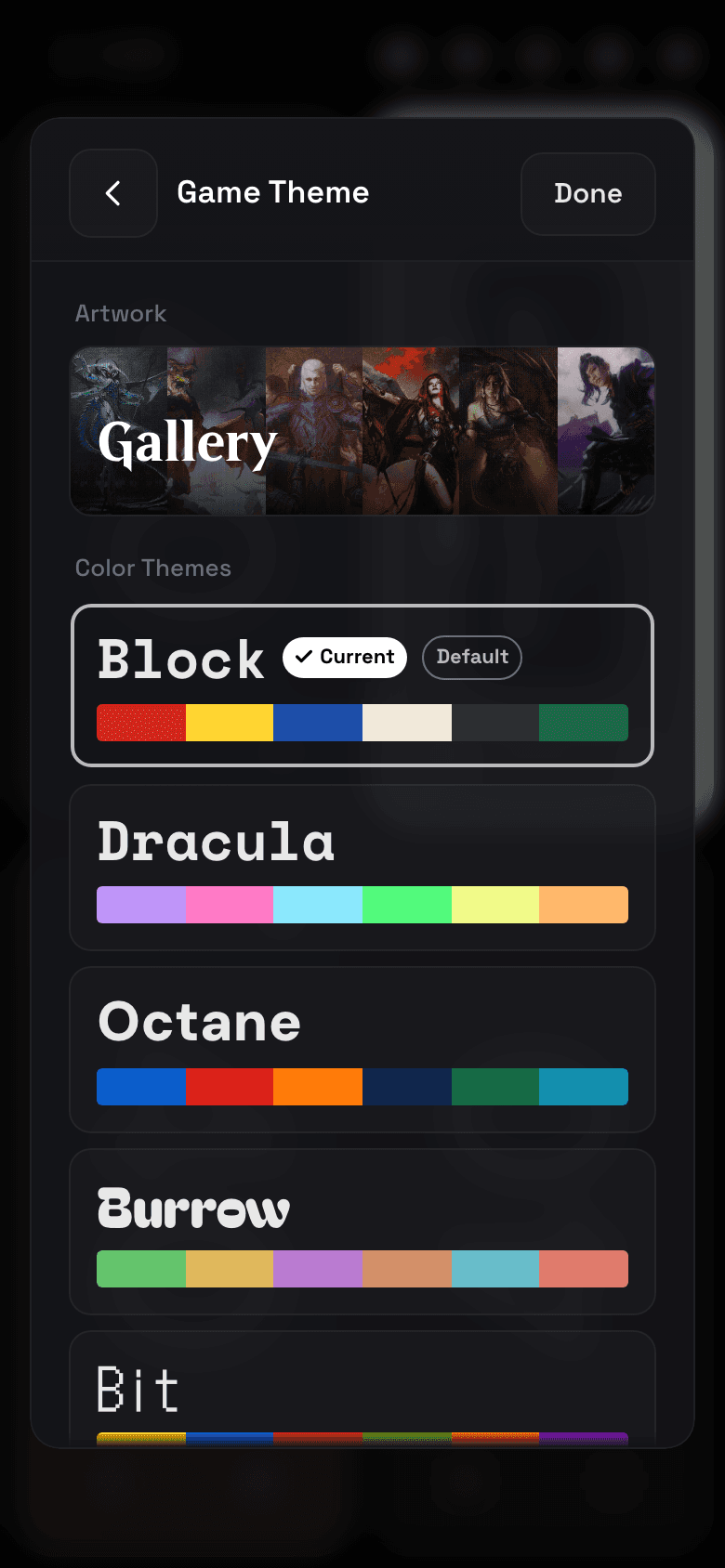
Game themes Nine boards — Block, Dracula, Octane, Burrow, Bit, Outlaw, Off World, Necrotica and Gallery — each with its own colours and type. Tap the one you already have to re-roll the seats.
Card art The Gallery theme puts Magic art behind every seat: iconic lands going back to Alpha, famous spells, or a mix of both.
Your own backgrounds Any seat can take a photo, or a specific card's art searched from Scryfall, instead of a theme colour.
Interface theme Glass or Flat for the app's own chrome, and Flat brings a light mode with it. Separate from the board — the chrome works over any theme.
Sound and haptics Sound packs you can mix with any theme, a sound when the turn passes, and vibration on every interaction. All switchable.
Random theme Pick Random and every new game deals itself a different theme.
Performance mode Drops the blur and the heavier effects, for older devices.
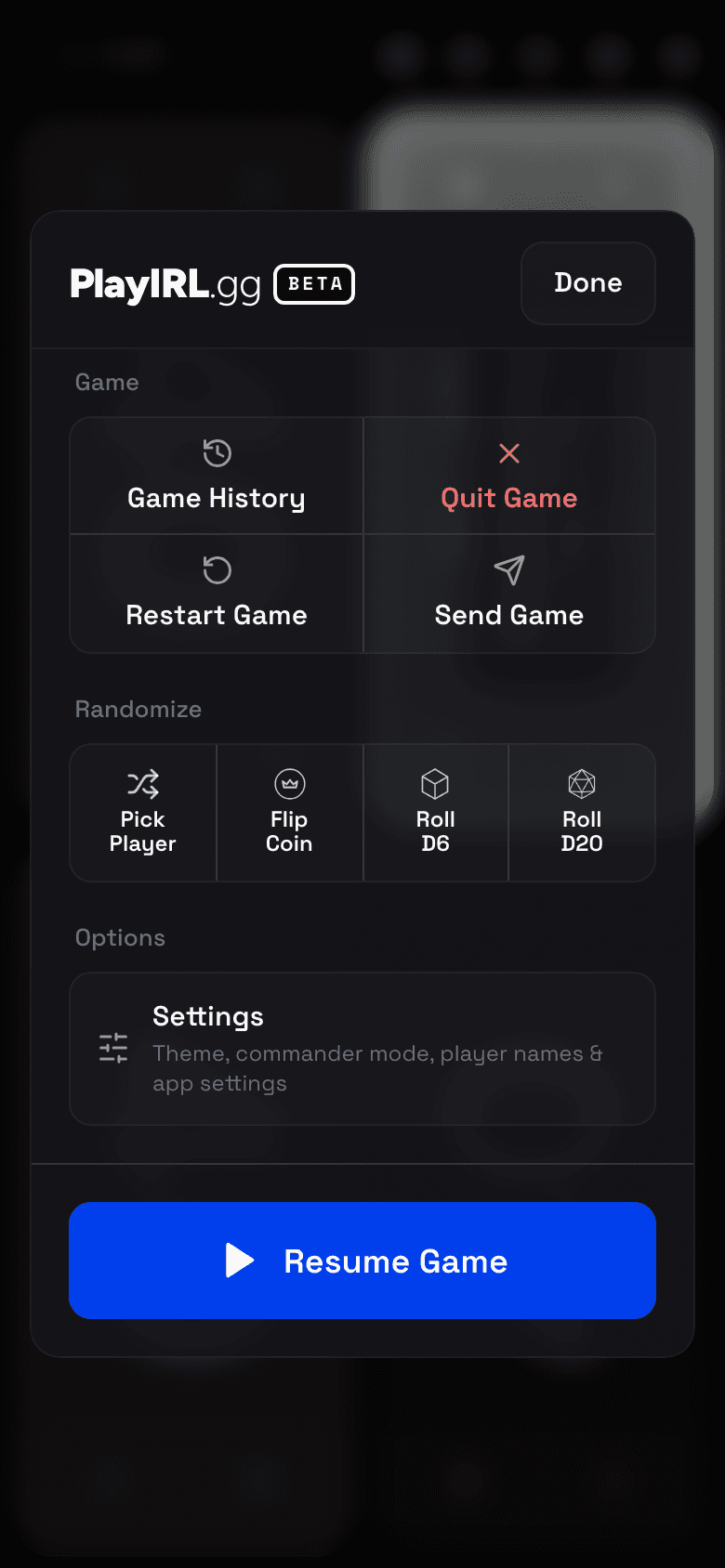
Game history Every finished game is saved with its final life totals, how long it ran, who was eliminated and which device it was played on.
Life history and turn times The chart of the whole game, and how long each seat took, kept per game.
Share a table Send the whole board to someone as a link. With no signal, a QR code carries the entire game — no server involved.
Resume Close the app mid-game and it picks up where you left off, clocks and all.
Optional. The app works fully signed out — your games just stay on the device.
Sign in One account across playirl.gg and the app.
Sync Your history follows you to every device and to playirl.gg. It syncs on its own — when you open the app, after each game, and when you put it away.
Games in progress Close the app mid-game and that game shows on playirl.gg as still being played, so the table can see it from anywhere.
Play in the browser Open any game from playirl.gg and carry on in the app, or in the browser you are already in.
Devices See which devices are signed in, and sign any of them out.
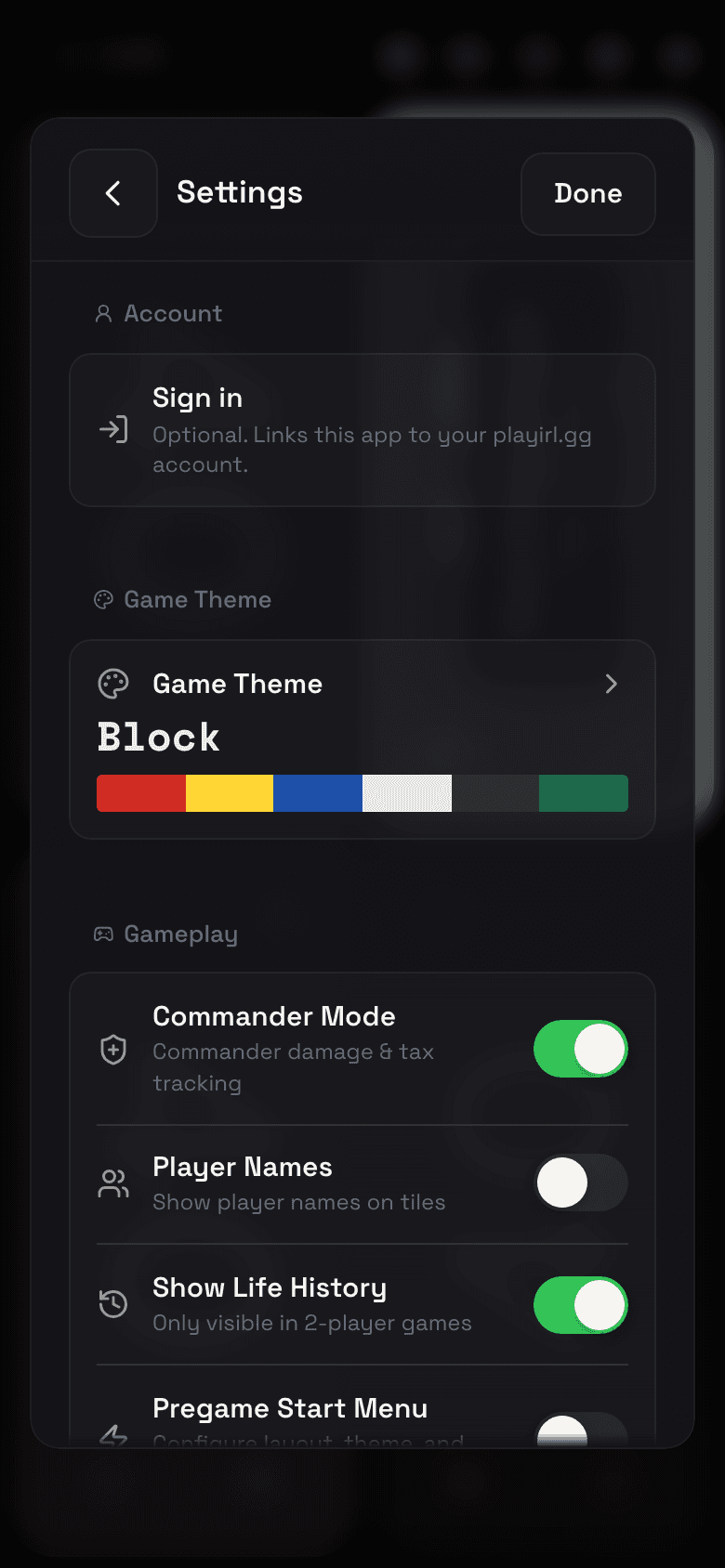
Tips Short coach marks the first time you meet a gesture. Switchable, and you can replay what is new.
Report an issue Send feedback from inside the app, with the build it came from attached.
Reset Put every setting back to how it shipped, without touching your game history.
For the arguments the app cannot settle for you. The same three the app links to from About.
The app updates itself through the App Store and Google Play. The log says what each release brought.